Seedance prompting field guide (2.0 Fast and 2.5)
What we learned rendering dozens of published Seedance videos in October 2026: the prompt structure that works, real prices per second, what the copyright filter blocks, and how to go past the 15-second limit.
The short version
- Paint the opening frame with an image model first, then animate it. The image prompt carries the look; the video prompt carries motion, dialogue and sound.
- Write the video prompt as a timeline:
0-4s,4-9s… with exact quoted dialogue. Seedance follows timestamps far better than prose. - Seedance 2.0 Fast is about 10 times cheaper per second than 2.5 at our resolutions, caps clips at 15 seconds and renders 720p natively. 2.5 goes to 30 seconds and 1080p.
- The copyright filter runs on the output, after the full render. The most common cause we hit was a character whose face resembled a famous actor.
- Render one take. If it is wrong, change the prompt and re-render that take; batches of spare takes double the bill.
Prices we measured
Atlas Cloud has a free price endpoint (/api/v1/model/calculate) that returns what a job will bill. These are its answers for our account on 2026-10-16, vertical 9:16, audio on. The number of reference images did not change the price.
| Model | Res | 5 s | 10 s | 15 s | ≈ per s |
|---|---|---|---|---|---|
| Seedance 2.0 Fast, reference-to-video | 720p | $0.29 | $0.58 | $0.87 | $0.058 |
| Seedance 2.5, reference-to-video | 1080p | $2.98 | $5.94 | $8.90 | $0.59 |
- A 30-second Seedance 2.5 image-to-video render quoted about $9.03 at 720p and $17.77 at 1080p (2026-10-13).
- Our 30-second three-girl dance Own It, made on 2.0 Fast as two 15-second halves, cost about $2.50 per take.
- Atlas bills Seedance 2.x by tokens, roughly width × height × fps × seconds / 1024, so resolution and length dominate the price.
- Per Atlas's billing docs (read 2026-10-05), failed, timed-out and moderated jobs are not billed, but a retried submit after a client timeout can bill twice, and there is no cancel endpoint.
- Character images on Midjourney v8.2 cost $0.086 per job of four images on the same platform.
Limits that shaped our prompts
- 2.0 Fast: 15 seconds per clip at most; 720p native (1080p and 1440p options are upscales); reference-to-video takes up to 9 images; reference audio must total 15 seconds or less and needs at least one image alongside it.
- 2.5: 4 to 30 seconds. On image-to-video, sending an aspect
ratiofailed the job (“output aspect ratio follows the first-frame image”): give it a 9:16 first frame and leave ratio out. - Both generate native audio, including lip-synced dialogue for lines you put in quotes.
A prompt structure that works
Every showcase video uses the same skeleton. The full examples are in the prompt library.
References:
@Image1: the opening frame. Open on exactly this composition.
@Image2: <a second character's face>  (one line per reference)
@Audio1: the song, if any. Every move lands on its beat.

Visual style: <one sentence; the frame already carries the look>

Avoid: No subtitles. No phone body or hand holding a phone in frame.
The camera itself is never visible. No on-screen interface or text.
No change to her face.

<Who she is in one sentence.> One uninterrupted take through the front camera
of the phone propped on the table, eye level, the only viewpoint, no cuts.
<Voice: "posh English drawl, with matching mouth movement".> Sound: <3-5 sounds>.

Shot 1 (0-30s): [Front camera of her phone, one continuous take]
0-4s: <action>. She says: "<exact line>."
4-9s: ...
25-30s: <the turn: a gag, a reveal, a change of heart>.
Going past 15 seconds
- Render half A (0-15 s), take its last frame, and render half B as image-to-video from that frame with the second half of the timeline.
- Do not feed half A back as a video reference for half B: in our test the model restarted the scene and there was a visible jump at 15 seconds.
- To replace only a bad ending, cut the take at its last clean frame and render a short clip (we used 6 seconds) from exactly that frame. Join with a frame-accurate trim and an 80 ms audio crossfade; the seam was invisible.
Dancing to a song
- Pass the song as an audio reference (
@Audio1) and say every move lands on its beat. Moves and lip-sync then follow the track. - Delete any “no background music” line from your avoid list for these. It fights the audio reference.
- The model re-sings the song rather than passing it through: in our takes it ran about 0.3 to 0.4 seconds late, and some takes kept only the dialogue. We laid the original track back over the picture, delayed 0.35 s, and kept the model's audio only where she speaks.
- Leave two or three seconds of silence before the music if a character has a line; the song starting at 3 s gives the line room.
What gets blocked, and what fixed it
On Atlas Cloud a blocked Seedance render comes back as error 1012004, “The generated video may be related to copyright restrictions”, after the whole render. These are the cases we hit:
- A face that looks like a famous actor. Of 41 failed shots in one series, 36 belonged to a single character whose design read as a well-known film star, and his shots failed 4 times out of 4. Rewriting the shots did nothing. Redesigning his face (different hair, glasses, moustache instead of beard) fixed every one. Avoid describing famous-actor archetypes.
- Franchise props and names. An iconic patched brown pointed hat on a girl in robes was blocked, and so were real franchise names spoken in dialogue. A black velvet hat with a silver buckle passed, and so did generic words like “the lions” and “the snakes”. Cast strips franchise names from every prompt for this reason.
- A famous fictional character described in text. Describing one by his signature hair and glasses got 5 of 6 renders blocked. Removing the glasses passed, but he no longer read as the same person.
- Crests and logos. We keep “no logos, crests or numbers” in the avoid list for any uniform or sports kit.
- Image models are stricter on age words. On Midjourney, a prompt with “19-year-old” was blocked where “a woman in her twenties” passed, and very long prompts full of pose and body detail failed.
Artifacts and their fixes
- The phone appears in the shot. Ask for a phone-camera look and Seedance sometimes paints a phone case in the foreground or a fake streaming bar. Add: “The camera itself is never visible: no phone, phone case, tripod or screen in the foreground. No on-screen interface, icons or recording indicators.”
- Friends drift toward each other. In group shots, faces average out and skin tones shift. Re-describe each extra character's hair, skin and expression in the frame prompt, and give each a signature move or prop.
- Mouths move under a voice-over. For narrated explainers, write “Nobody speaks; mouths closed or smiling.”
- Invented cuts. “One uninterrupted take”, “the only viewpoint” and “no cuts” together stop the model cutting to angles it made up.
Fast or 2.5?
Use 2.0 Fast for most things, including dance trends with three characters (example). Use 2.5 when you need one continuous 30-second take with dialogue, or 1080p detail on faces. Cast's Standard videos use 2.0 Fast at 720p and its Pro videos use 2.5 at 1080p; both run up to 15 seconds.
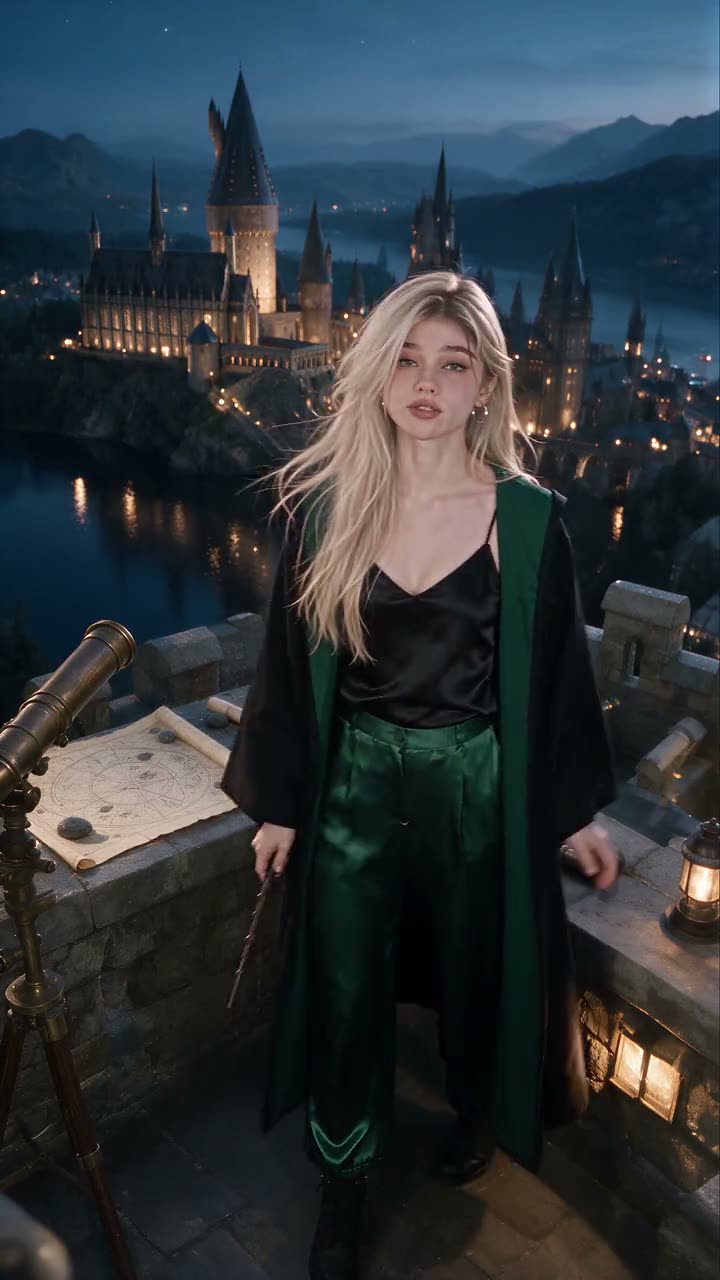 Malfoid dances on the tower at blue hourDance to a song · 30s
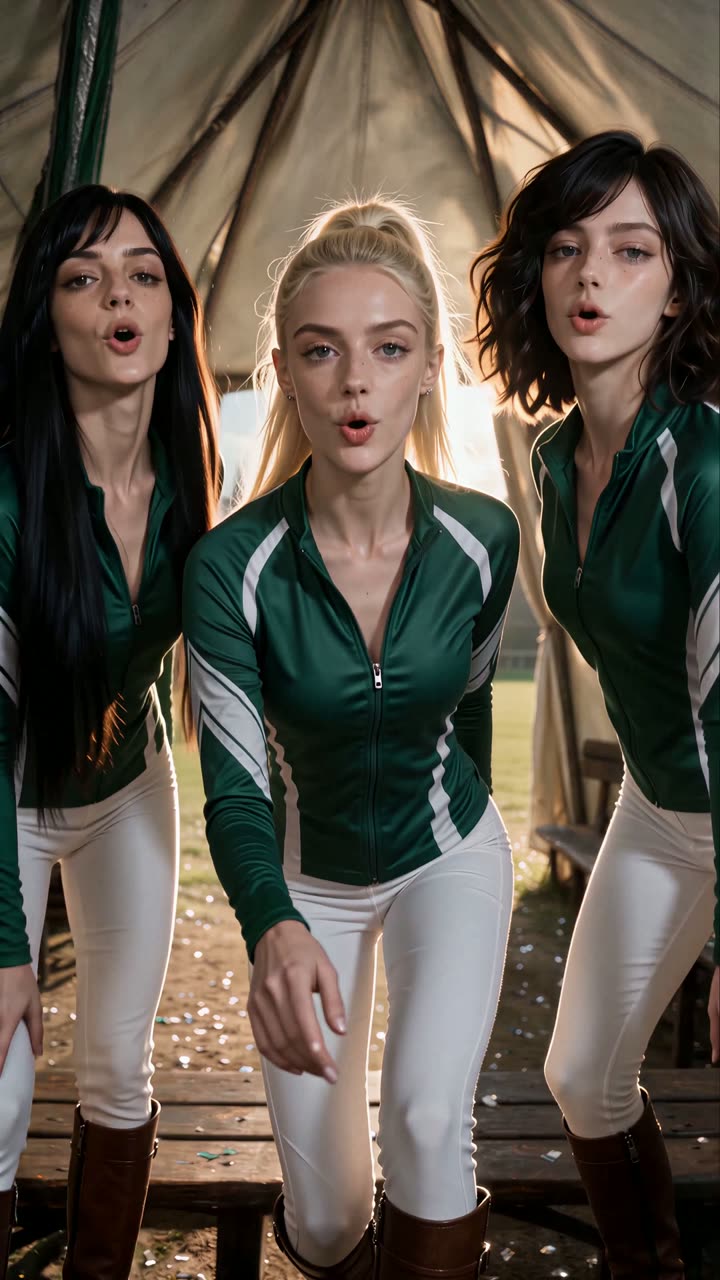 Malfoid, Thea and Odette walk in like they own itTrend format · 30s
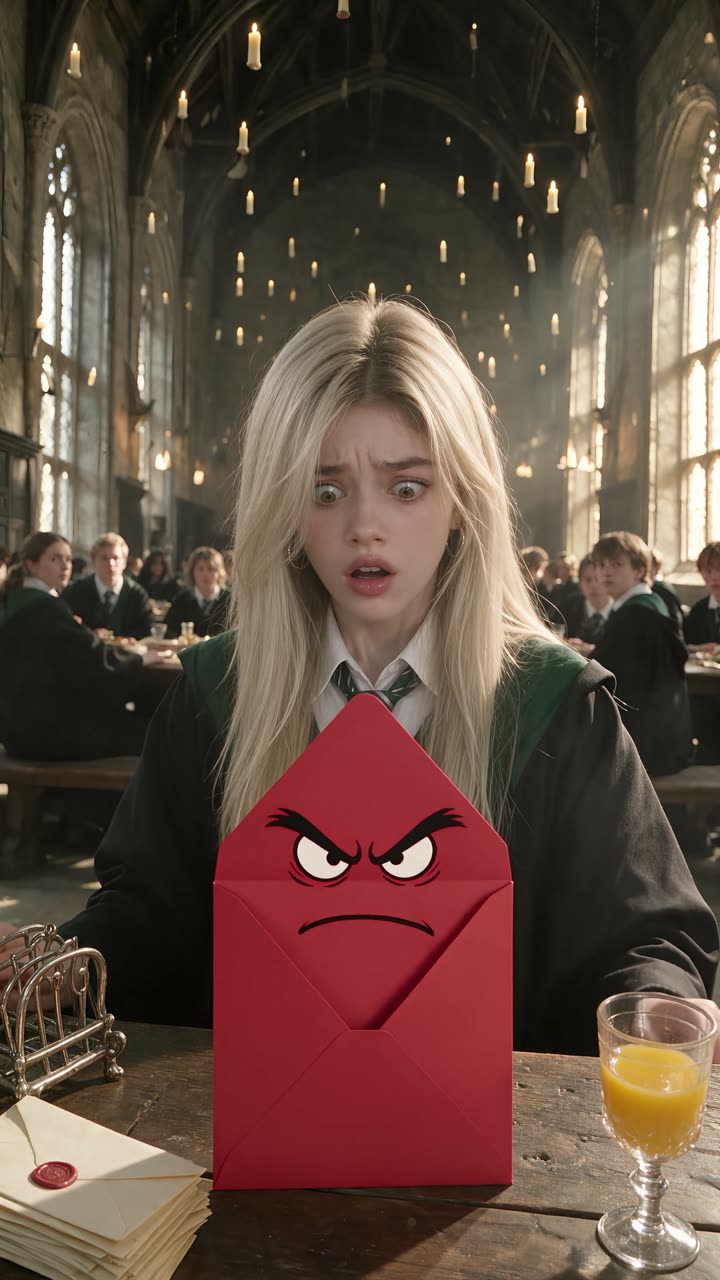 Malfoid reads her hate mail livePhone-POV livestream · 30s
More guides
Updated